Isoflip
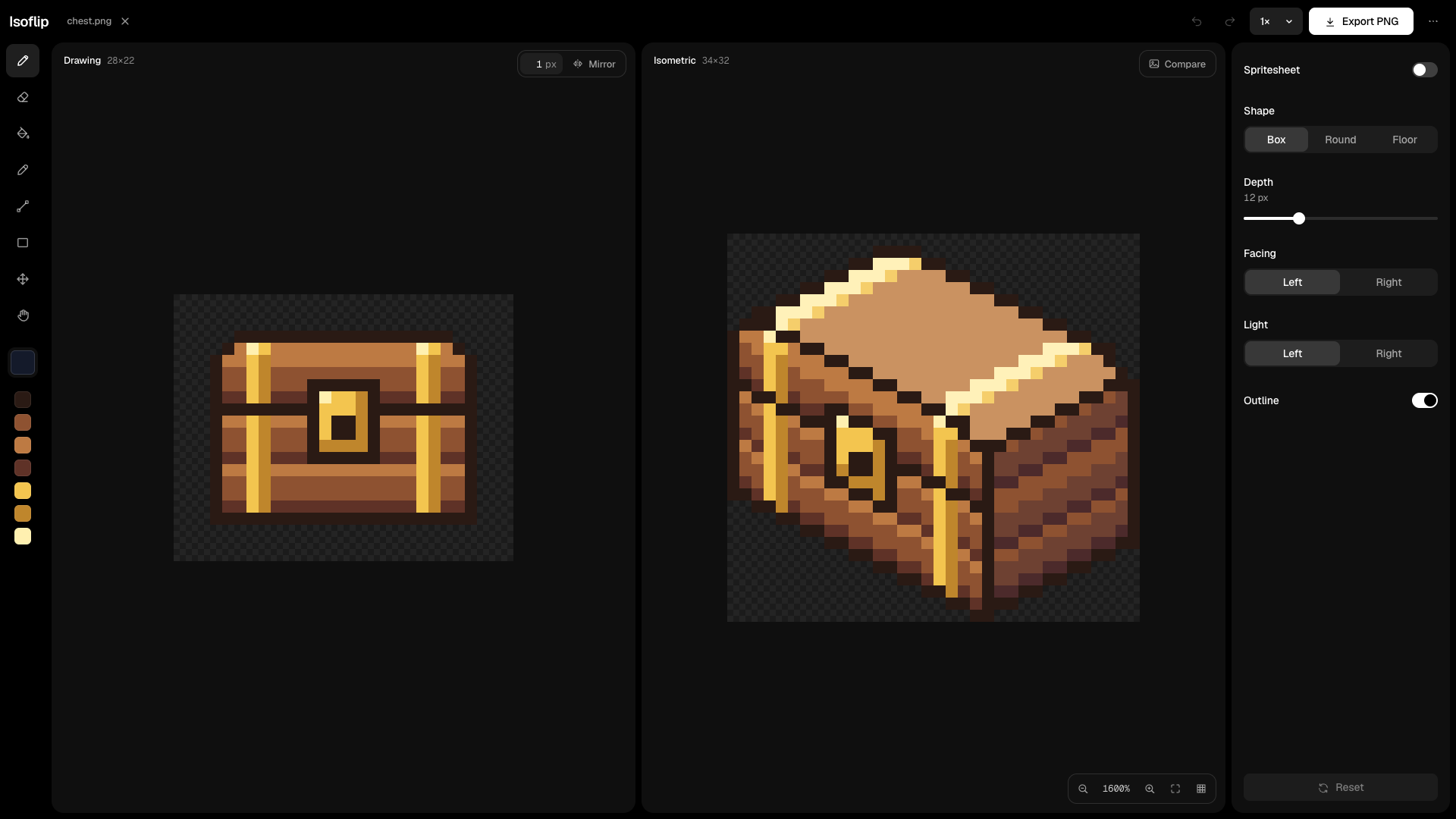
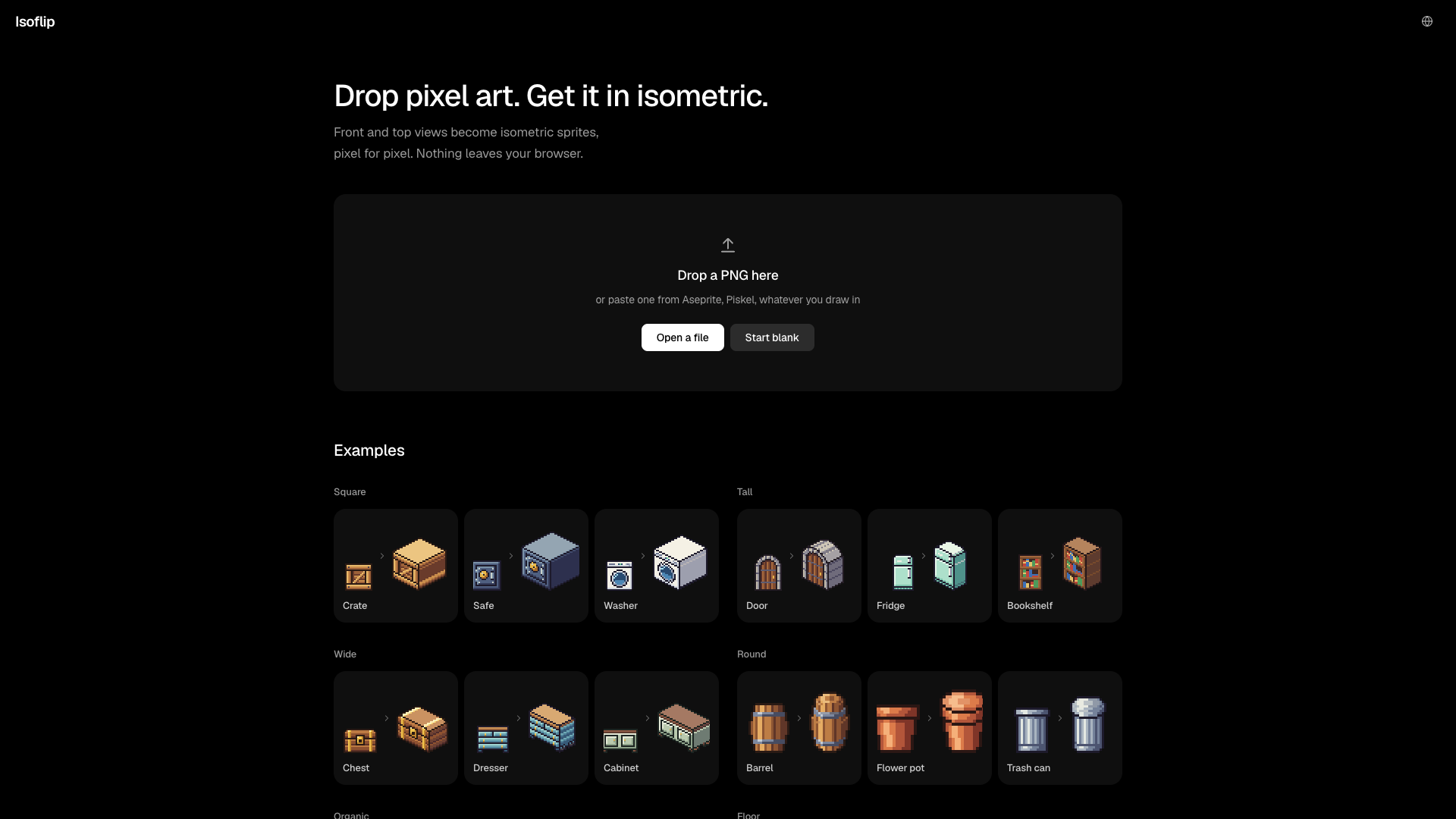
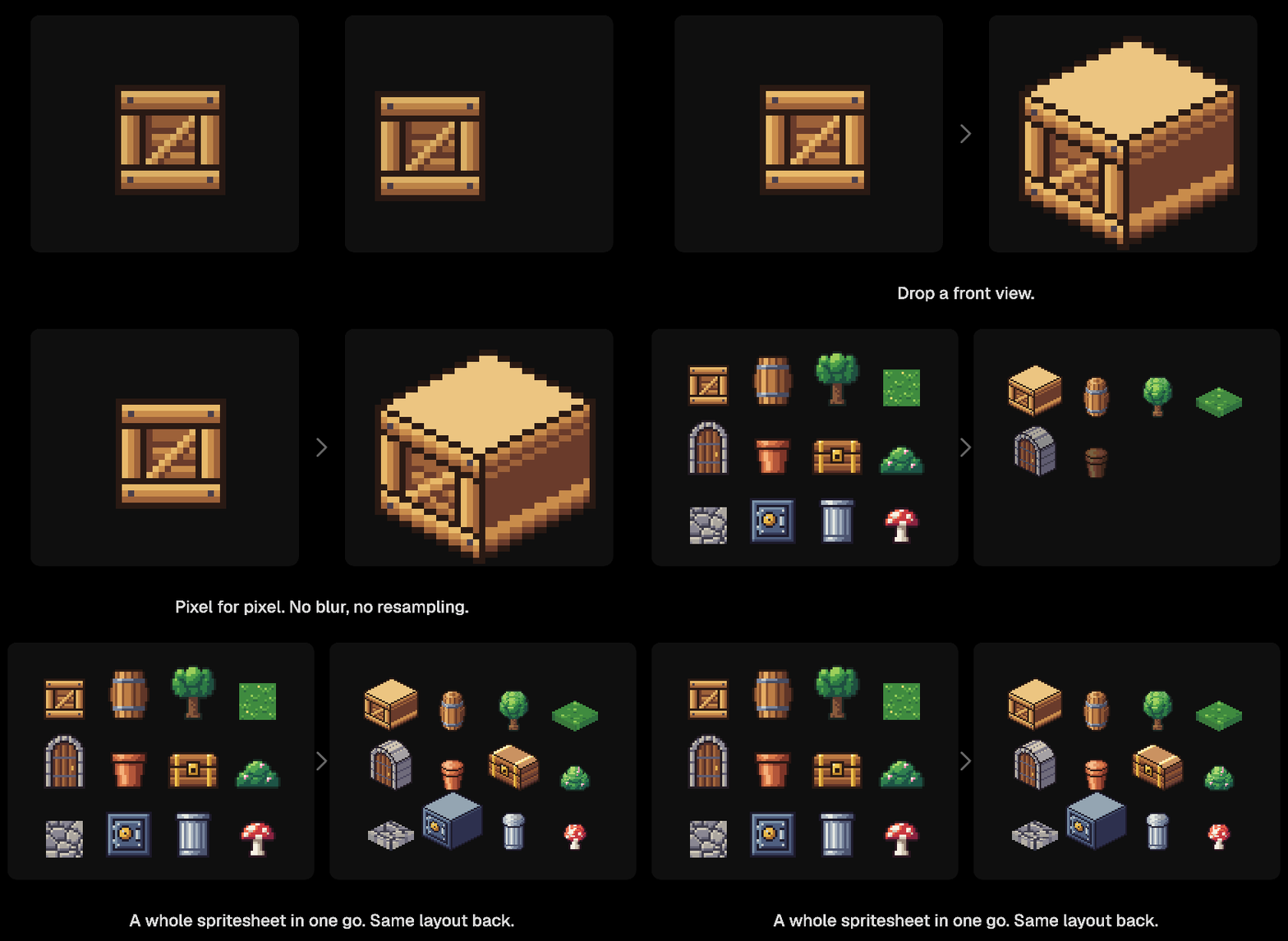
Isoflip turns 2D pixel art into isometric pixel art. Drop a front view or a top view of a sprite, and the isometric version appears beside it. It works pixel for pixel: no blur and no resampling.
It runs entirely in your browser. Your images are not uploaded anywhere; the conversion happens on your machine. It's free, and the interface is in English and Turkish.
Use it right here on this page, or at www.isoflip.app.
What it does
- Three shapes. Box (the drawing is the front of a solid, swept back in depth), Round (each row becomes an ellipse, for barrels, pots and trees) and Floor (a top view becomes a diamond tile with some thickness). Isoflip picks one for you; you can change it.
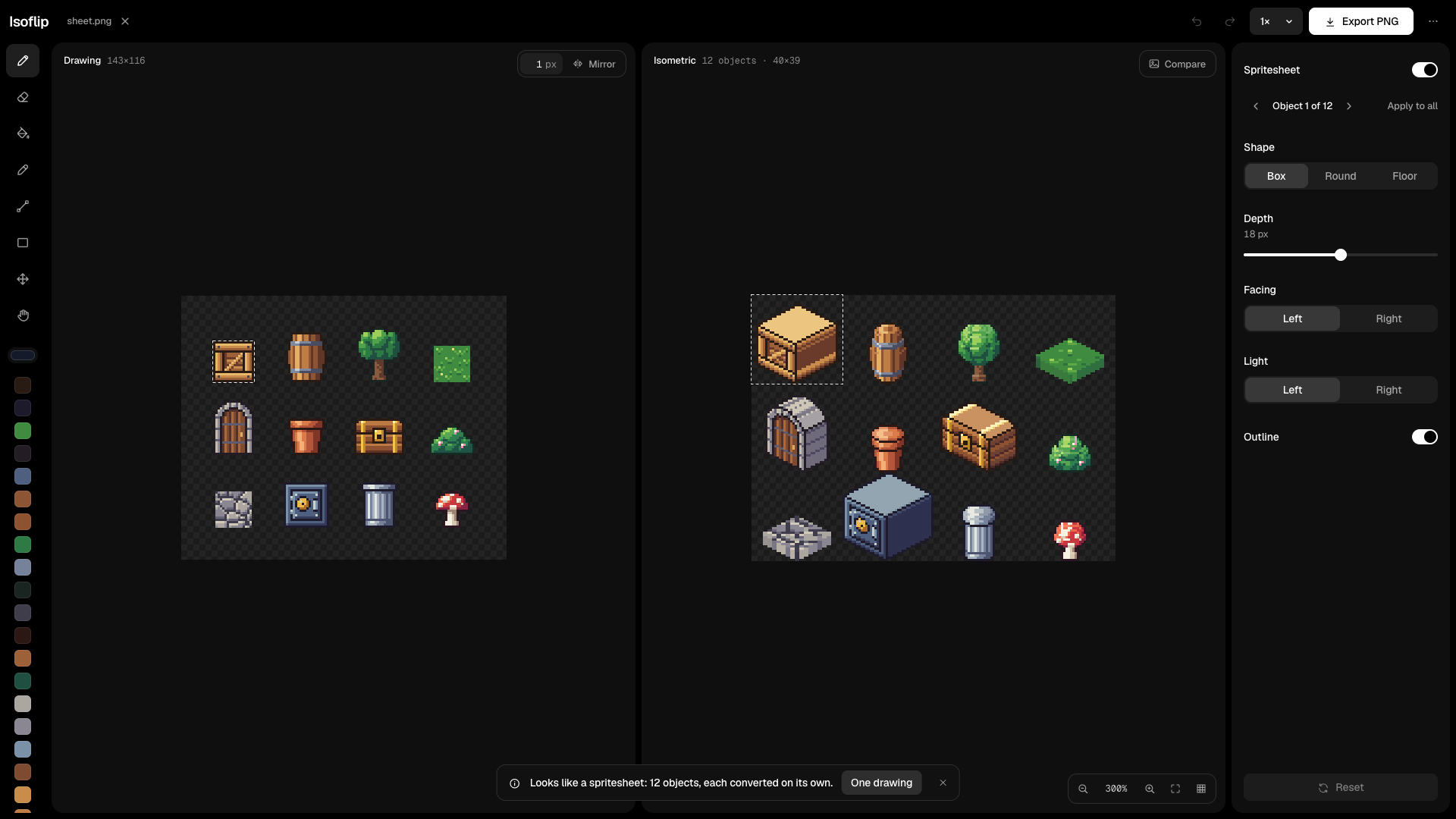
- Depth, facing, light and outline. Set how deep the object goes, whether it faces left or right, which side is lit, and whether it gets an outline.
- Spritesheets. A sheet opens as a sheet: every object is converted on its own and laid out again in the same rows and columns. Step through the objects, change one, or apply the same settings to all.
- Animated GIFs. A GIF opens as a sheet of its frames. Export GIF puts them back together as an animation.
- Edit on either side. Draw on the drawing or on the isometric result with pencil, eraser, fill, line, rectangle, colour picker and move, with a mirror option and undo.
- Export. PNG at 1x up to 16x, or GIF for sheets and animations.
- Compare with the original, and repeat a floor tile to check that it tiles.
Opens PNG, GIF, WebP and BMP. A single drawing can be up to 512 x 512 art pixels; a spritesheet can hold up to 256 objects.
Keyboard
B pencil, E eraser, G fill, I pick colour (or hold Alt), L line, U rectangle, V move, H hand (or hold Space), 1 to 4 brush size, X mirror, Ctrl/Cmd+Z undo, Ctrl/Cmd+S export, = and - zoom, 0 fit, C (held) compare, T repeat a floor tile, [ and ] previous and next object of a sheet.
Questions, or a drawing that converts badly: leave a comment here, or write to hello@isoflip.app
Leave a comment
Log in with itch.io to leave a comment.